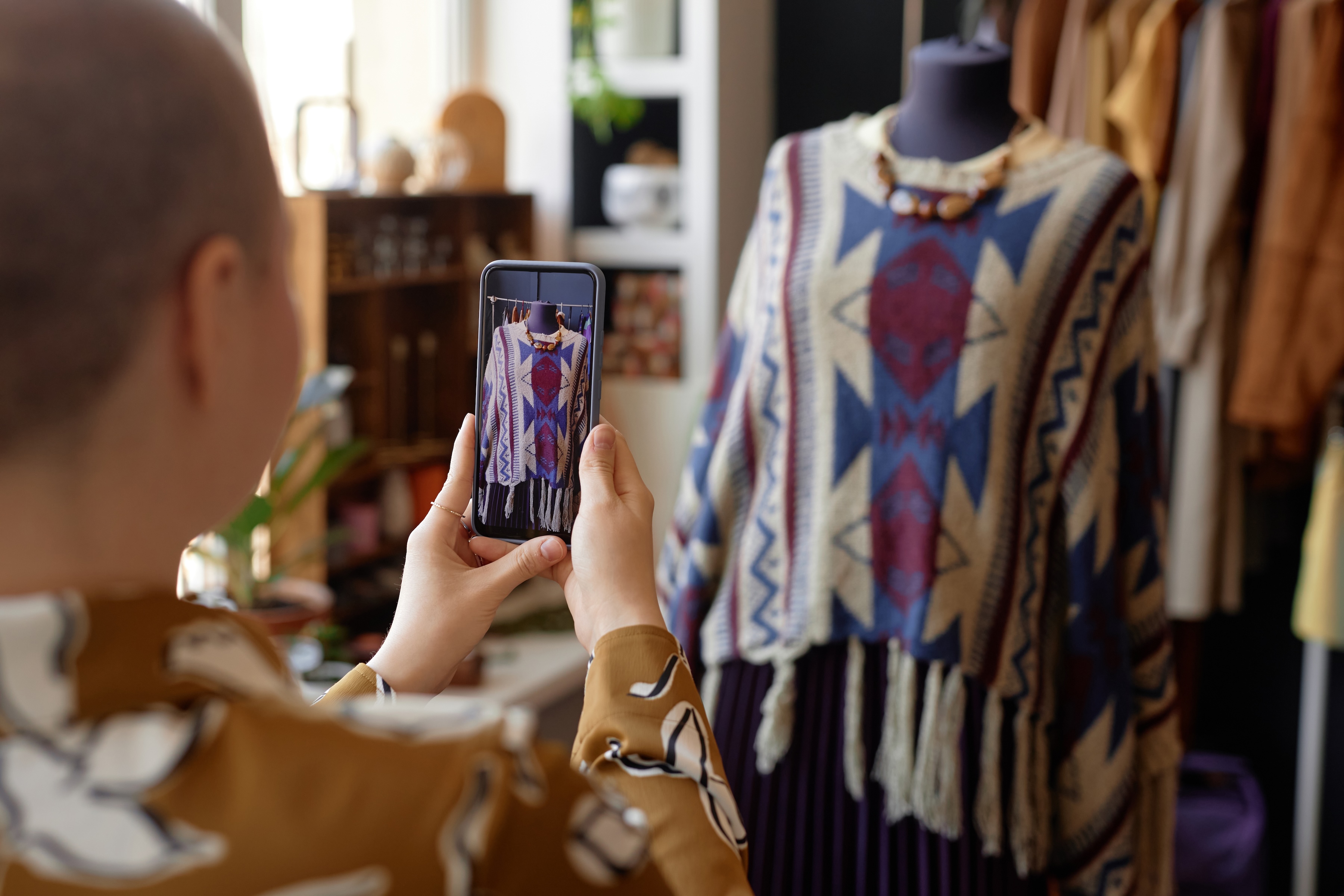







Nearly half of all banked households use mobile banking as their main way to access accounts, according to the FDIC. Mobile deposit lets you deposit a paper check by taking pictures of it with your phone in your bank's app. It takes a few minutes, and you don't have to visit a branch or find an ATM.
But watch for timing: A deposit can appear complete in your app before the money is fully yours to spend, and when it clears depends on the amount, your account, and your bank's policy.
What is mobile deposit?
Mobile deposit is a feature in your bank or credit union's app that lets you deposit a check using photos instead of handing it over at a branch or ATM. Your account agreement may call it remote deposit or remote deposit capture.
The photos do the work the paper check used to do. Your bank reads the check's details from the images, then it collects the money from the bank the check was written on. The paper check stays with you, so you'll need to hang on to it for a bit after you deposit it.
Mobile deposit works for most everyday checks, like a paycheck, a tax refund check, or a check from a friend or family member. It doesn't work for cash. To deposit cash, you'll still need a branch, an ATM that takes cash, or a store your bank partners with, if that’s an option.
Read more >> How to Open a Checking Account
How does mobile deposit work?
You take photos of the front and back of a signed check, enter the amount, and submit it in your bank's app. The whole process usually takes a few minutes.

1. Open your bank's mobile app
Log in to your bank's app and look for an option like Deposit or Deposit a check. If you have more than one account, pick the one you want the money to go into.
If you've never used the feature, you may need to accept a mobile deposit agreement first. Skim it for the parts that affect you most, like your deposit limit, when the money becomes available, and how long to keep the paper check.
2. Endorse the check
Flip the check over and sign your name on the back in the endorsement area near the top. Your bank may also ask you to write “For mobile deposit only” and the bank's name under your signature (or to check a box that says the same thing).
The app's instructions usually show what your bank wants. If the back of the check doesn't match what your bank asks for, it can reject the deposit, which means starting over.
3. Take photos of the front and back
Put the check on a flat, dark surface in good light. The app usually shows a frame on screen. Line up all four corners and hold your phone steady until the photo is taken. Then do the same for the back.
Before you move on, check that the signature, amount, and account numbers along the bottom are clear and not cut off.
4. Enter the deposit amount and submit
Type in the check amount exactly as it's written. If the number you enter doesn't match the check, the deposit may be delayed or rejected.
Review the details, then submit. You should see a confirmation screen, and your bank may also send an email or notification. Screenshot the confirmation or save it until the money shows up as available.
Read more >> Do You Still Need Paper Checks?
How long does a mobile deposit take to clear?
A part of your mobile deposit may be available as soon as the next business day, but the full amount can take longer. The exact timing depends on your bank's funds availability policy. You can usually find it in the app or in your mobile deposit agreement.
There’s a federal rule for how long banks can hold most check deposits, but it was written for paper checks deposited in person or at an ATM. Under it, the first $275 of a day's check deposits is generally available by the next business day (up from $225 before July 1, 2025). Many banks follow a similar schedule for mobile deposits, but your bank’s agreement sets the actual timing, so treat the policy in your app as final confirmation.
A few things can delay your money:
- The time you deposit. Banks have a daily cutoff time. A check you submit after the cutoff, or on a weekend or holiday, usually counts as deposited on the next business day.
- The amount. Banks can place a longer hold if your one-day check deposits add up to more than $6,725, the federal threshold for large deposits.
- Your account history. A new account, or one that's been overdrawn repeatedly, can face longer holds.
- The check itself. If the bank has reason to doubt a check will be paid, it can hold it longer and should tell you why.
If your bank places a longer hold, ask when the money will be available and whether you can do anything to get it sooner.
Available doesn't always mean cleared. Your bank may let you use part of a deposit before the check has fully gone through. If the check bounces or turns out to be fake, the bank can take the money back out of your account, and you may owe any amount you already spent.
If someone you don't know sends you a check and asks you to send part of it back, don't do it. That's a common sign of a fake check scam. Tell your bank about suspicious checks and report it at ReportFraud.ftc.gov.
Mobile deposit limits
Your bank may cap how much you can deposit by phone, and that limit is set by your bank, not by a federal rule. Limits can apply per check, per day, and per month, so a check that fits under the daily limit may still go over the monthly one.
Your limit may also depend on how long you've had the account and how it's been used. A newer account may start with a lower limit that goes up over time. You can usually find your limit on the deposit screen in the app or in your mobile deposit agreement.
If a check is over your limit, you have a few options:
- Ask your bank whether it can raise your mobile deposit limit for this check.
- Deposit it at a branch or at an ATM that accepts checks.
- Ask the person who paid you whether they can send it another way, such as direct deposit or a bank transfer.
Read more >> How to Protect Your Online Banking Information
Tips for a successful mobile deposit
A mobile deposit can get rejected or reversed over small inconsistencies. Beyond the photo, these habits help:
- Check the date, payee, and signature first. Make sure the check is made out to you, isn't dated in the future, and is signed by the person who wrote it.
- Use your bank's official app. Download it from your phone's app store or your bank's website, and skip public Wi-Fi when you deposit.
- Keep the paper check until the money clears. Write Deposited and the date on the front so you don't deposit it twice by mistake. Ask your bank how long to keep it, then shred it.
- Watch your account for the next few days. If the deposit is rejected or reversed, you want to know before you spend that money.
When mobile deposit might not work
Some checks can't go through the app, even if your photos are perfect. Each bank sets its own list, so check your mobile deposit agreement if you're not sure.
If your deposit is rejected, don't throw the check away. Look for a message in the app that explains why, fix the issue if you can, and try again. If you can't tell what went wrong, call your bank. Ask why the deposit was rejected and whether you can deposit the check another way.
Read more >> What Happens When Your Bank Account Goes Negative?
Bottom line
Mobile deposit gets a check into your account with a few photos. Sign the back the way your bank asks, keep the paper check until the money clears, and check your bank's availability policy so you know when you can spend it.
Your checking account activity isn’t reported to the credit bureaus, so even a steady paycheck doesn’t add to your payment history.
The Kikoff Credit Account reports your on-time payments to Equifax, Experian, and TransUnion, with no credit check to sign up. Plans start at $5 a month.
Frequently Asked Questions
Article Sources
Disclaimer: The information provided in this blog post is meant for informational purposes only and does not constitute financial advice.