



Hacking is when someone gets into a phone, computer, account, or network they don’t have permission to use. For most people, it looks less like a movie and more like a text about a missed package, a fake copy of your bank’s login page, or an old password that leaked years ago.
If you’re wondering whether it could happen to you, it could. The FBI’s Internet Crime Complaint Center logged more than 1 million complaints and nearly $21 billion in reported losses in 2025. You can’t stop every breach at a company you do business with. You can make your own accounts harder to get into, learn the early signs, and know the free steps that limit the damage.
What hacking means
Hacking covers any way of getting around the locks on a digital system. That might mean stealing or guessing a password, tricking someone into handing it over, or using a weak spot in software that hasn’t been patched yet.
Not every hacker is a criminal. Companies hire ethical hackers, sometimes called white-hat hackers, to break into their own systems with permission and find the weak spots before someone else does. Permission is the line. Getting into someone else’s account or device without it is a crime under federal and state law.
“Hack” also means a clever shortcut, as in travel hacking, which uses credit card rewards to pay for trips. That kind involves no break-in, but it raises its own credit questions.
Read more >> Does Travel Hacking Hurt Your Credit?
How hackers get in
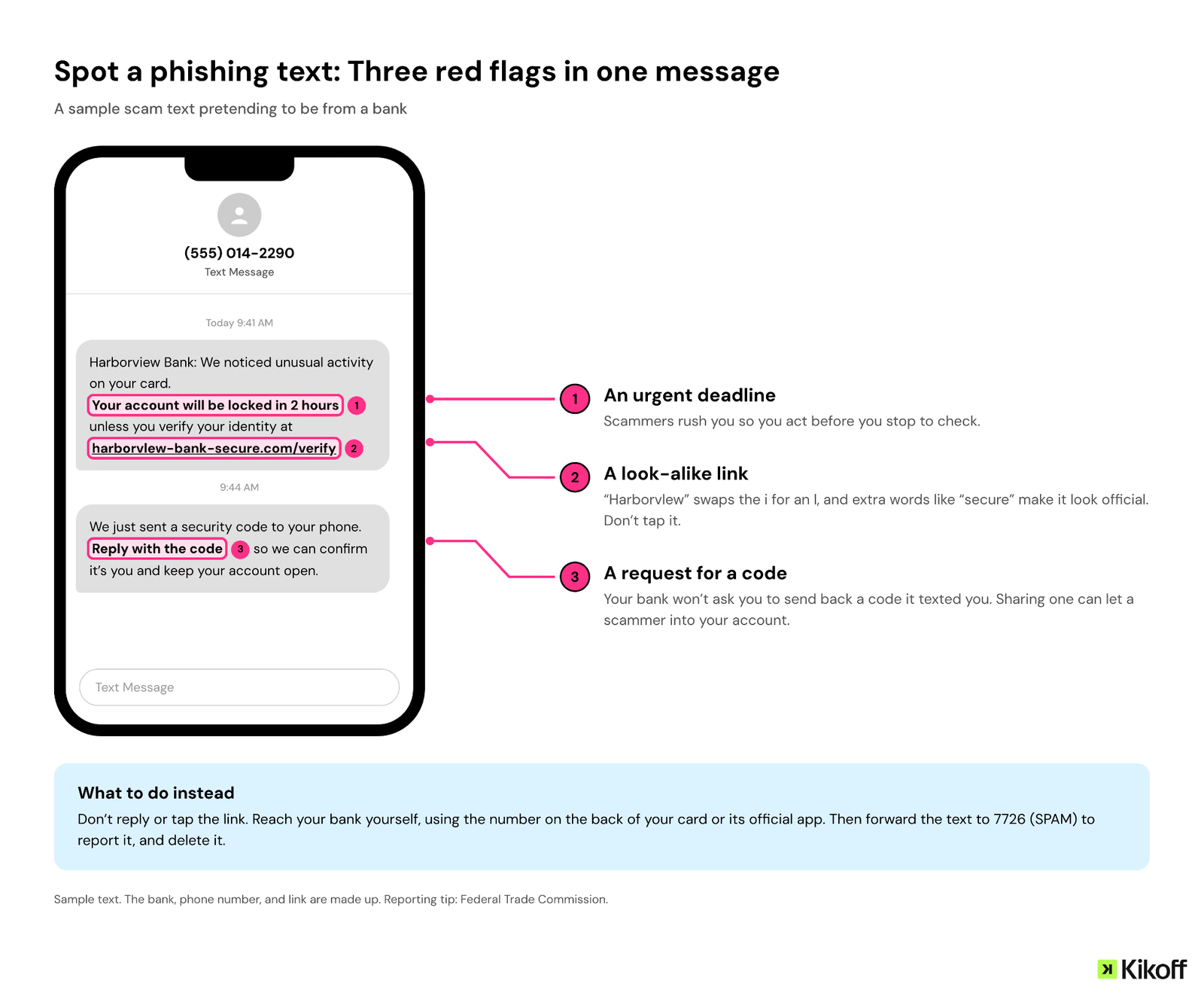
Most hacks aimed at everyday people go after the person, not the computer. It’s usually easier to fool someone into typing a password than to crack it.
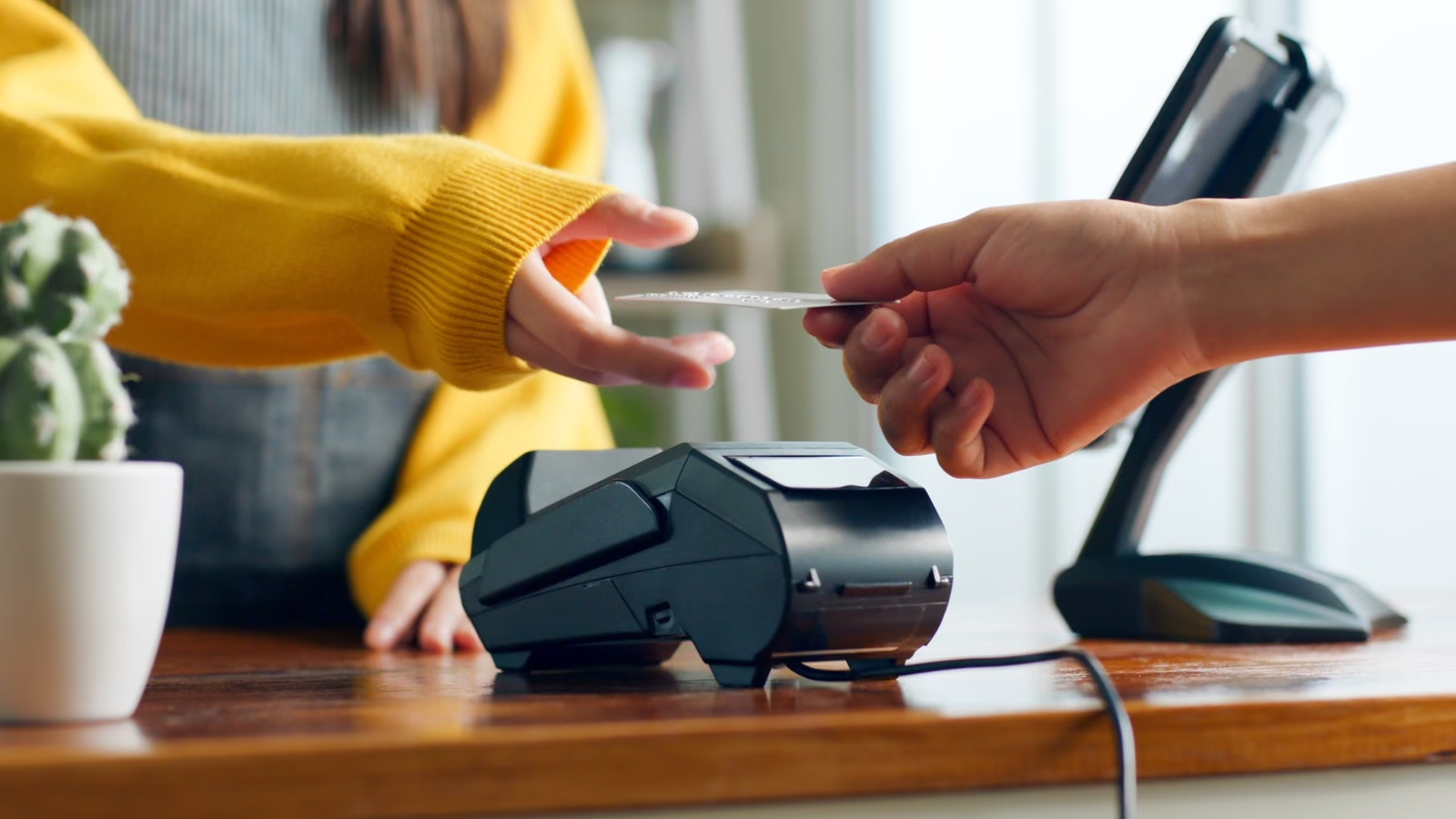
Some of the best protection is already on your phone. Mobile wallets use tokenization, which swaps your real card number for a stand-in code, and tapping a contactless card sends a one-time security code with each purchase, so a skimmer or a hacked store gets less to work with. Face or fingerprint login, a kind of biometrics, leaves no password for a keylogger or a shoulder surfer to catch.
What hackers want from you
Hackers are usually after money, either directly or through your identity.
- Your accounts. Bank logins, payment apps, and shopping accounts with saved cards can be drained or used for purchases.
- Your email. It’s the master key. Password resets for almost everything else land there, so whoever controls your inbox can take over your other accounts.
- Your identity. Your name, birth date, and Social Security number can be used to open new credit in your name.
That last one is where hacking reaches your credit. A card or loan you never opened can show up on your credit reports, and if nobody pays it, it can go to collections under your name. Those accounts aren’t your debt, and you can dispute them for free.
Signs you’ve been hacked
Hacks often show up as small things that feel off. Here’s where to look.
In your email or social media
- You can’t log in, or you get a notice about a password change you didn’t make.
- You get an alert about a login from a device or place you don’t recognize.
- Friends get messages from you that you didn’t send.
- There’s an email forwarding rule you didn’t set up.
In your bank or card accounts
Look for small charges you don’t recognize, since some thieves test a card with a few dollars first. Also watch for new payees and changes to your address, phone number, or alerts.
On your credit reports
Watch for accounts, hard inquiries, or addresses you don’t recognize. You can get your credit reports free every week at AnnualCreditReport.com, and checking your own reports doesn’t affect your credit scores.
An old address or former name on your report is normal. An account you didn’t open, or an inquiry from a lender you never applied with, is worth acting on.
What to do if you’ve been hacked
Start with what’s at risk right now, in this order.
Get back into the account and lock it down
- Update your security software, run a scan, and delete anything it flags.
- Get back in through the account’s official recovery page. Reach it through the app or the company’s website, not a link in an email.
- Change the password, and change it anywhere else you used it.
- Sign out of all devices, and turn on two-factor authentication, a second check such as a code from an app.
- Make sure the recovery email and phone number are yours. Hackers often swap them so they can get back in later.
- Tell your contacts to ignore links or requests for money that seem to come from you.
Protect your money
If a hacker got into a bank or card account, call the number on the back of your card. Call as soon as you can, because the timing sets how much you could lose.
- Debit cards and bank transfers. If your card or PIN was lost or stolen, report it within two business days and the most you can owe is $50. After that, you could owe up to $500. If your card is still with you and only your login or card number was stolen, you owe nothing as long as you report it within 60 days after the statement showing the charge. Past 60 days, you could owe the full amount of any transfers made after that.
- Credit cards. If your card is lost or stolen, the most you might owe is $50. If only your card number was stolen, you aren’t responsible for charges you didn’t authorize.
If someone used your identity
If a hacker got your Social Security number or opened accounts in your name, follow the FTC’s three recovery steps in order.
- Call the companies where the fraud happened. Ask for the fraud department, explain that someone stole your identity, and ask them to close or freeze the accounts. Then change your logins, passwords, and PINs for those accounts.
- Place a fraud alert and get your credit reports. A fraud alert tells lenders to check with you before opening new credit in your name. It’s free, and you only need to contact one bureau: Experian at 888-397-3742, TransUnion at 888-909-8872, or Equifax at 800-685-1111. That bureau has to tell the other two. An initial fraud alert lasts one year, and you can renew it.
- Report it at IdentityTheft.gov. You can also call 877-438-4338. You’ll get an FTC Identity Theft Report and a personal recovery plan. Save or print both. With that report, you can place an extended fraud alert, which lasts seven years.
Next, dispute each account that isn’t yours with every bureau that shows it. Disputing errors on your credit reports is free, and it applies to information that’s inaccurate, like an account someone else opened. If you’d like help with the paperwork, Kikoff’s AI Credit Disputes can help you dispute inaccurate items with a few taps.
You can also freeze your credit with all three bureaus. A freeze keeps new lenders from seeing your reports, so a thief can’t open credit in your name. It’s free to place and lift, lasts until you lift it, and doesn’t affect your credit scores.
Where to report it. Forward phishing emails to reportphishing@apwg.org and phishing texts to SPAM (7726). Report scams to the FTC at ReportFraud.ftc.gov, identity theft at IdentityTheft.gov, and internet crime to the FBI at ic3.gov. All of these are free.
How to make yourself a harder target
A few habits close most of the doors hackers use.
- Use a passkey where you can. A passkey is a login saved on your device that you unlock with your face, fingerprint, or screen PIN. There’s nothing to type into a fake site, so it holds up against phishing.
- Give every account its own password. Make each one long, like a string of unrelated words, and let a password manager remember them. Start with your email and bank.
- Turn on two-factor authentication. An authenticator app is safer than text codes, since a SIM swap can redirect your texts.
- Install updates. Updates often patch the weak spots hackers use, so turn on automatic updates for your phone, computer, and apps.
- Turn on account alerts. Set your bank and card apps to notify you of every charge and login, so you hear about a problem in minutes instead of at the end of the month.
- Freeze your credit now. You don’t have to wait for a breach. Lift the freeze when you apply for credit, then put it back.
Bottom line
Hacking is someone getting into your accounts or devices without permission, and it usually starts with a trick, a reused password, or a breach at a company you trust. Unique passwords, passkeys, and two-factor authentication shut most of those doors, and the FTC’s steps help you contain the damage if one opens.
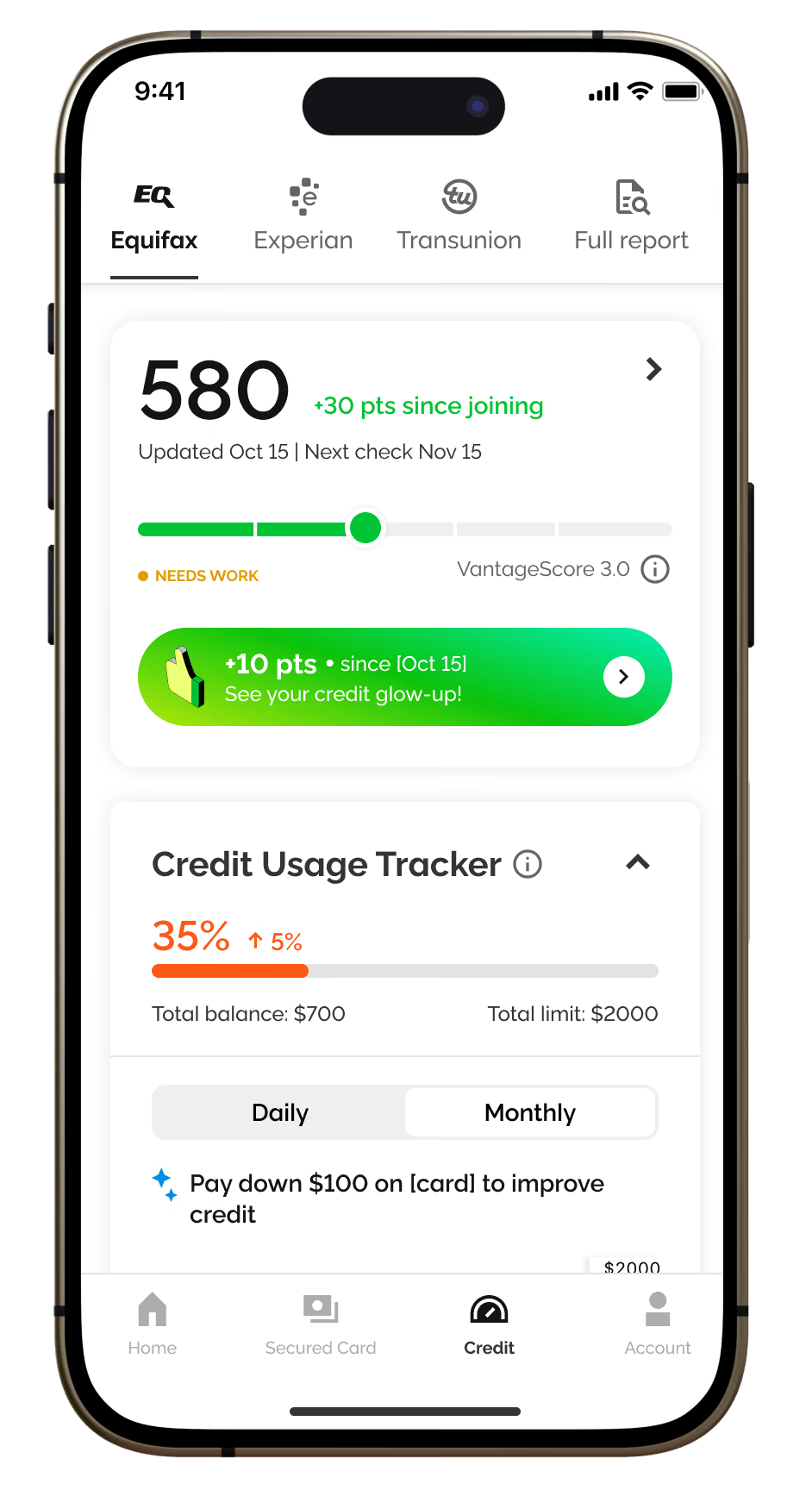
What those steps can’t do is tell you about a problem that hasn’t shown up yet. Stolen information can sit for months before someone uses it to apply for credit. Kikoff’s credit monitoring checks your credit every week, so a new account or inquiry you didn’t expect is easier to catch early. Kikoff Basic includes weekly monitoring focused on one bureau, and Premium adds scores from all three. Plans start at $5 a month.
Frequently Asked Questions
Article Sources
Disclaimer: The information provided in this blog post is meant for informational purposes only and does not constitute financial advice.