


Shoulder surfing is when someone steals your information by watching you enter it. That could be your PIN at an ATM, the passcode on your phone, or the card number you read out loud on a call. It takes no technical skill, so it works anywhere people stand close together. If you think someone just saw your PIN, change it and tell your bank. On a debit card, how much you could lose depends on how quickly you report it.
How shoulder surfing works
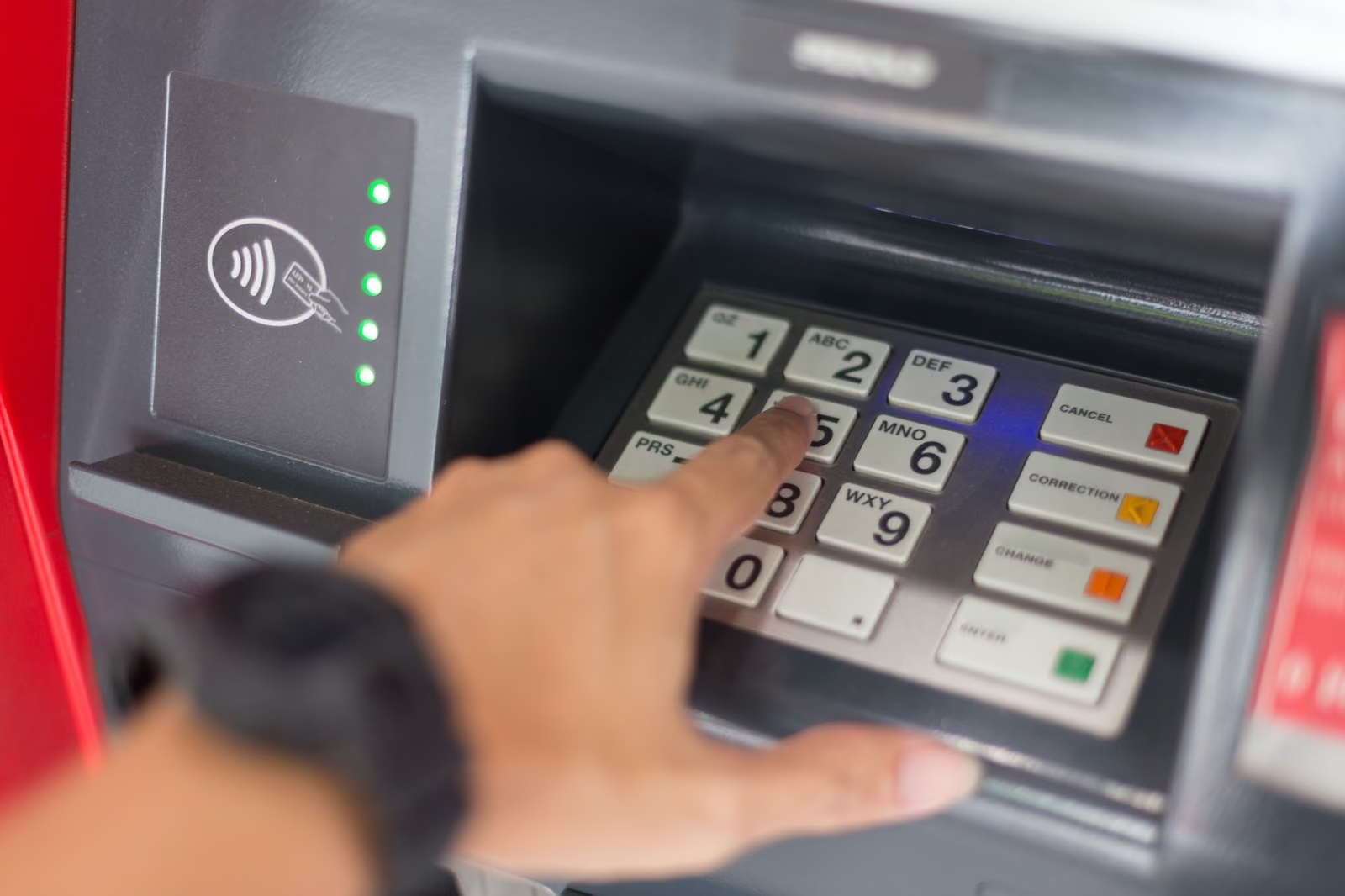
Someone gets where they can see your hands or screen and waits for you to type something worth stealing. They don’t have to be right behind you. A phone camera can zoom in from across a room, and a tiny camera hidden near an ATM can record every PIN typed into it. Some people just listen. A card number or Social Security number said out loud on a call is as easy to copy as one on a screen.
A PIN plus a copied or stolen card can mean cash pulled from your checking account. A password can open your email, where someone can reset your other passwords. Your Social Security number and birth date can be used to open new credit in your name.
[illustration: someone at an ATM covering the keypad, while a person across the room zooms in with a phone camera. Shows that watching can happen from a distance.]
Read more >> What Is Hacking?
Where it happens and how to block it
Shoulder surfing happens in everyday places, and a small change in each one blocks the view.
Two settings make a watched password much less useful. Two-step verification asks for a second code or approval after your password, so the password alone isn’t enough. And where a site offers a passkey, use it. You sign in with your face, fingerprint, or screen lock, so there’s no password to see.
Signs someone used what they saw
You usually won’t know you were watched. You find out later, when the information gets used. Look for:
- Charges or ATM withdrawals you don’t recognize
- Sign-in alerts or password reset emails you didn’t ask for
- Getting locked out of an account that was working fine
- Bills, collection calls, or accounts on your credit report that aren’t yours
For the last one, get your free credit reports from all three bureaus every week at AnnualCreditReport.com. Checking your own reports doesn’t affect your credit.
What to do if you think someone saw your information
Start with the step that matches what was seen, and move fast. Each one costs nothing.
- Change the PIN or password right away. Do it somewhere private, like your bank’s app at home. If you use that password anywhere else, change it there too.
- Call your bank or card company. Use the number on the back of your card and ask them to lock it or send a new one. Write down the date and who you spoke with, in case you need to dispute a charge later.
- Freeze your credit or add a fraud alert if personal details were seen. If someone saw your Social Security number or birth date, a credit freeze stops most new lenders from pulling your credit reports. It’s free, and you place it with each of the three bureaus. A fraud alert, also free, asks lenders to confirm it’s really you before opening an account. Contact one bureau, and it has to tell the other two. An initial alert lasts one year.
- Report it at IdentityTheft.gov if your information was used. If someone made charges or opened accounts in your name, report it at IdentityTheft.gov. The FTC site gives you a free recovery plan and pre-filled letters to send to credit bureaus, businesses, and debt collectors. With that report, you can also place an extended fraud alert, which lasts seven years.
Speed matters most on a debit card. If your card was lost or stolen and you tell your bank within two business days of noticing, federal rules cap your loss at $50, and after that the cap rises to $500. If you still have your card but someone used your PIN or a copy of your card, you owe nothing as long as you report it within 60 days of the statement that shows the withdrawal.
An account you didn’t open is an error you can dispute with the bureau and the company that reported it. Disputes correct inaccurate information, and an account a thief opened is inaccurate. Kikoff’s AI Credit Disputes can help you send those disputes with a few taps.
Not sure anyone saw anything? You don’t need proof to act. Changing a PIN, placing a fraud alert, and freezing your credit all cost nothing.
Bottom line
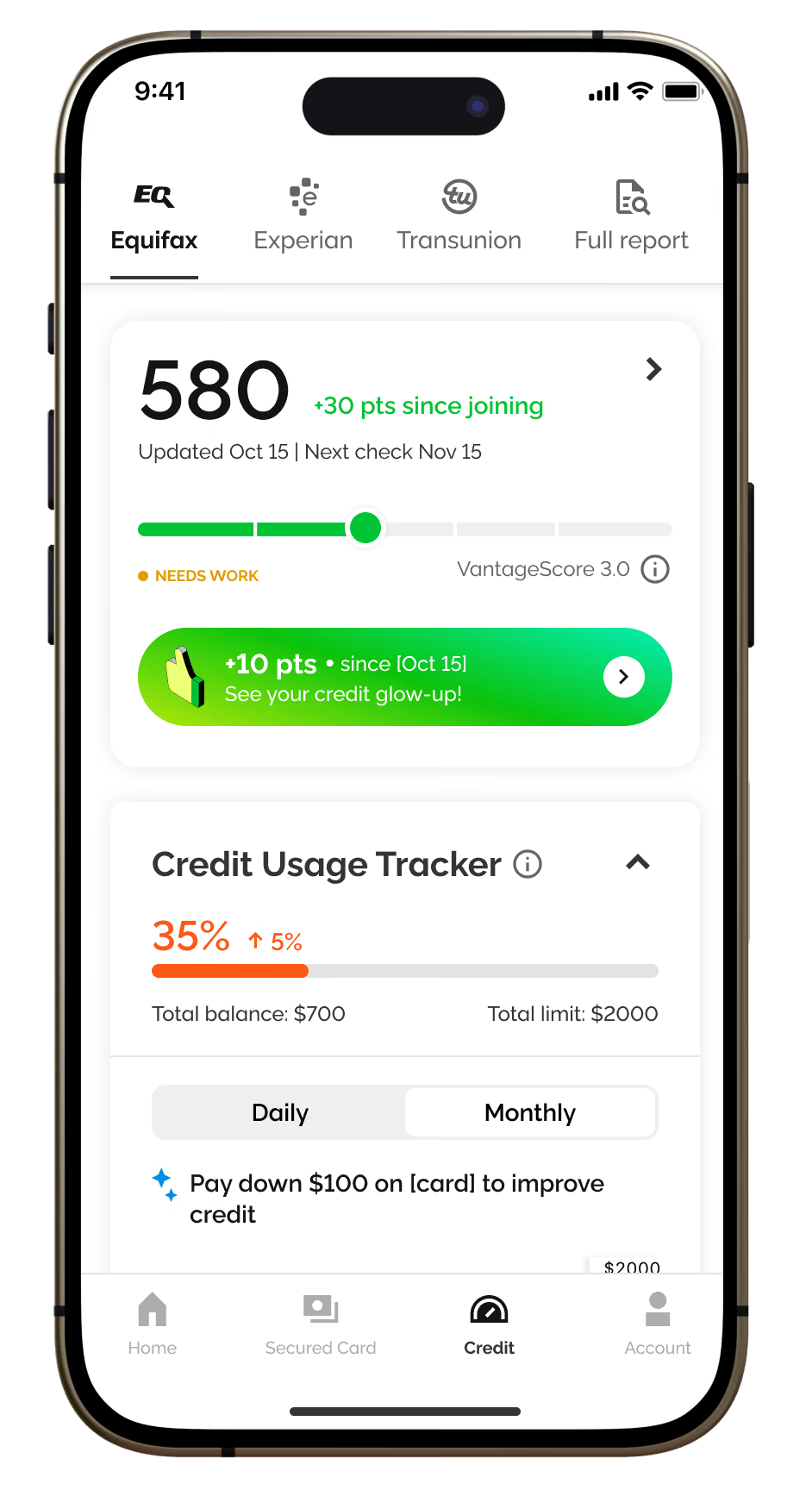
Shoulder surfing takes only a clear view, and blocking it mostly takes habits: cover the keypad, use face or fingerprint unlock, and keep sensitive numbers off public calls. But you usually can’t tell when someone watched you. The first sign may be an account you didn’t open, weeks later, on your credit report. Kikoff’s credit monitoring checks your credit every week, so a new account that isn’t yours is easier to catch early. Plans start at $5 a month.
Frequently Asked Questions
Article Sources
Disclaimer: The information provided in this blog post is meant for informational purposes only and does not constitute financial advice.