



A keylogger is a program or small device that records everything you type and sends it to whoever set it up. That includes passwords, card numbers, and answers to security questions. Changing your passwords locks a thief out of accounts they already reached. It doesn’t undo what they did with your information, such as opening a credit card in your name. Cleaning up has two parts: your device and accounts first, then your credit.
How a keylogger works
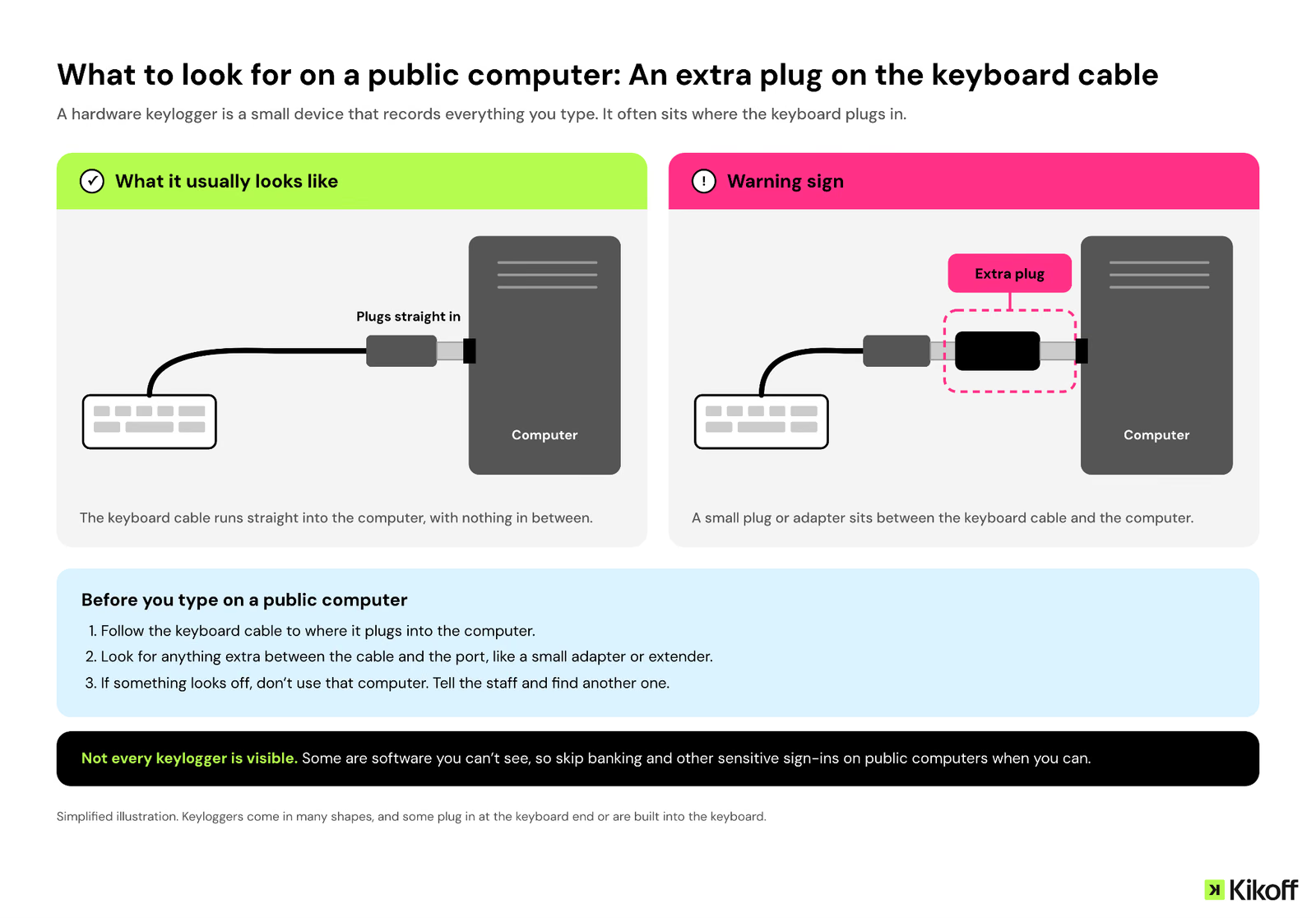
Software keyloggers run quietly in the background and log each key you press. On phones, they often hide inside an app that asks for keyboard or accessibility access. Hardware keyloggers are small plugs that sit between a keyboard cable and the computer, so they mostly turn up on shared or public machines.
Read more >> Common Credit Card Scams and How to Avoid Them
Signs a keylogger may be on your device
Keyloggers are built to stay hidden, so you may not notice anything. On a computer, watch for sudden slowdowns, crashes, new pop-ups, or a Task Manager that won’t open. On a phone, look for a battery that drains fast or data use you can’t explain.
Your accounts often give the clearer signal. Password reset emails you didn’t request, sign-in alerts from unfamiliar places, and small charges you don’t recognize can all mean someone has your login.
What to do if you think a keylogger got your info
Work through these in order.
- Stop logging in on that device. Anything you type there could be recorded, including new passwords.
- Clean the device. Update your security software, run a full scan, delete anything it flags, and restart. If the problem keeps coming back, your device maker’s support line is a free place to start.
- Change your passwords from a different device. Start with your email, since password resets for everything else go there. Then do your bank, card, and payment apps, using a different password for each.
- Turn on two-factor authentication. With a one-time code from an authenticator app or a security key, a recorded password alone isn’t enough to get in.
- Lock down each account. Sign out of all devices, and confirm the recovery email and phone number are yours. A thief who changed them can take the account back.
- Check your bank and card accounts. If you see charges you didn’t make, call the company’s fraud department and ask it to close or freeze the account.
If someone used your information
If a thief opened accounts or used your Social Security number, take these steps.
Start by calling the fraud department at any company where you know fraud happened. Next, contact one of the three credit bureaus (Equifax, Experian, or TransUnion) to place a fraud alert. That bureau has to tell the other two. An initial fraud alert lasts one year and is free to renew. With an FTC identity theft report, you can get an extended alert that lasts seven years. For a stronger block, freeze your credit with each bureau. A freeze is free to place and lift, and it lasts until you lift it.
Fraud alert or credit freeze? A fraud alert asks lenders to confirm it’s really you before opening an account, and one call covers all three bureaus. A freeze keeps most new lenders from seeing your credit report, and you set it up with each bureau. Both are free.
Then get your free credit reports at AnnualCreditReport.com and note any account you don’t recognize. Report the theft at IdentityTheft.gov or by calling 877-438-4338. You’ll get a free personal recovery plan with pre-filled letters to send companies.
Next, dispute the accounts you didn’t open with each bureau that lists them. Disputing errors is free. Kikoff’s AI Credit Disputes can help you dispute inaccurate items like these, also at no cost.
When someone you know installed it
Sometimes the person behind a keylogger isn’t a stranger. Keystroke logging is a common feature of stalkerware, an app someone installs on your device without your knowledge. If a partner or family member knows who you’ve texted or what you’ve searched, take that seriously.
Removing the app may tip off the person who installed it. Before you do, contact a domestic violence advocate from a device they can’t reach.
If someone may be watching your phone. The National Domestic Violence Hotline is free and confidential. Call 1-800-799-7233, chat at thehotline.org, or text START to 88788 from a device the other person can’t access.
How to keep keyloggers off your devices
- Install updates when they’re offered. They close the security holes malware uses.
- Get apps only from your phone’s official app store, and skip any app that wants keyboard access it doesn’t need.
- Don’t open links or attachments you weren’t expecting, even when they look like they’re from your bank.
- Use a password manager. It fills in logins for you, so there are fewer keystrokes to record.
- Skip banking on public computers, and lock your phone with a passcode.
Bottom line
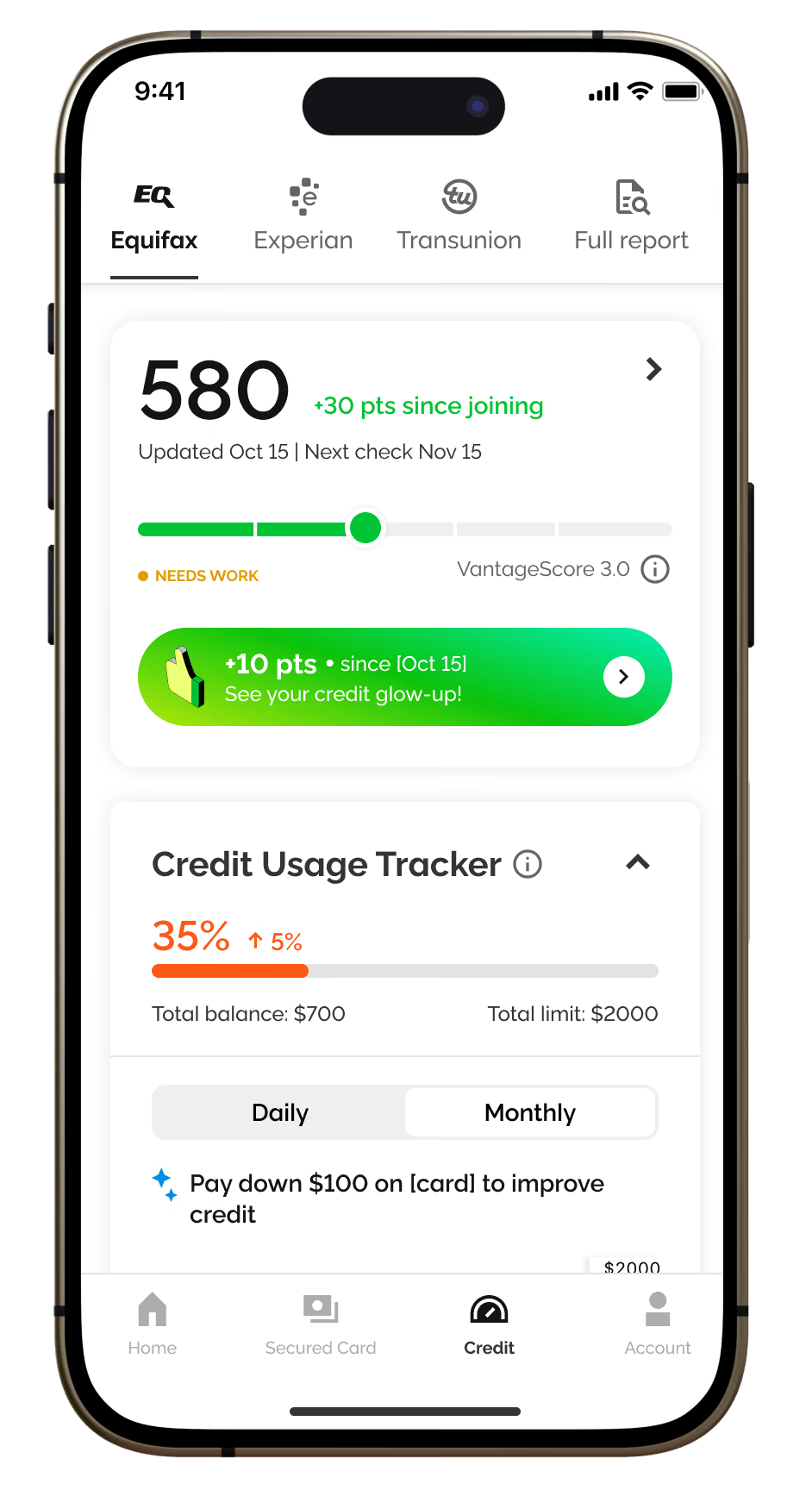
A keylogger records what you type. Removing it and changing your passwords cuts off the accounts a thief already reached. But stolen details can still become new accounts in your name, and those won’t show up in any account you check yourself. Kikoff’s credit monitoring checks your credit every week, so an account you didn’t open is easier to catch early. Plans start at $5 a month.
Frequently Asked Questions
Article Sources
Disclaimer: The information provided in this blog post is meant for informational purposes only and does not constitute financial advice.