


.jpg)



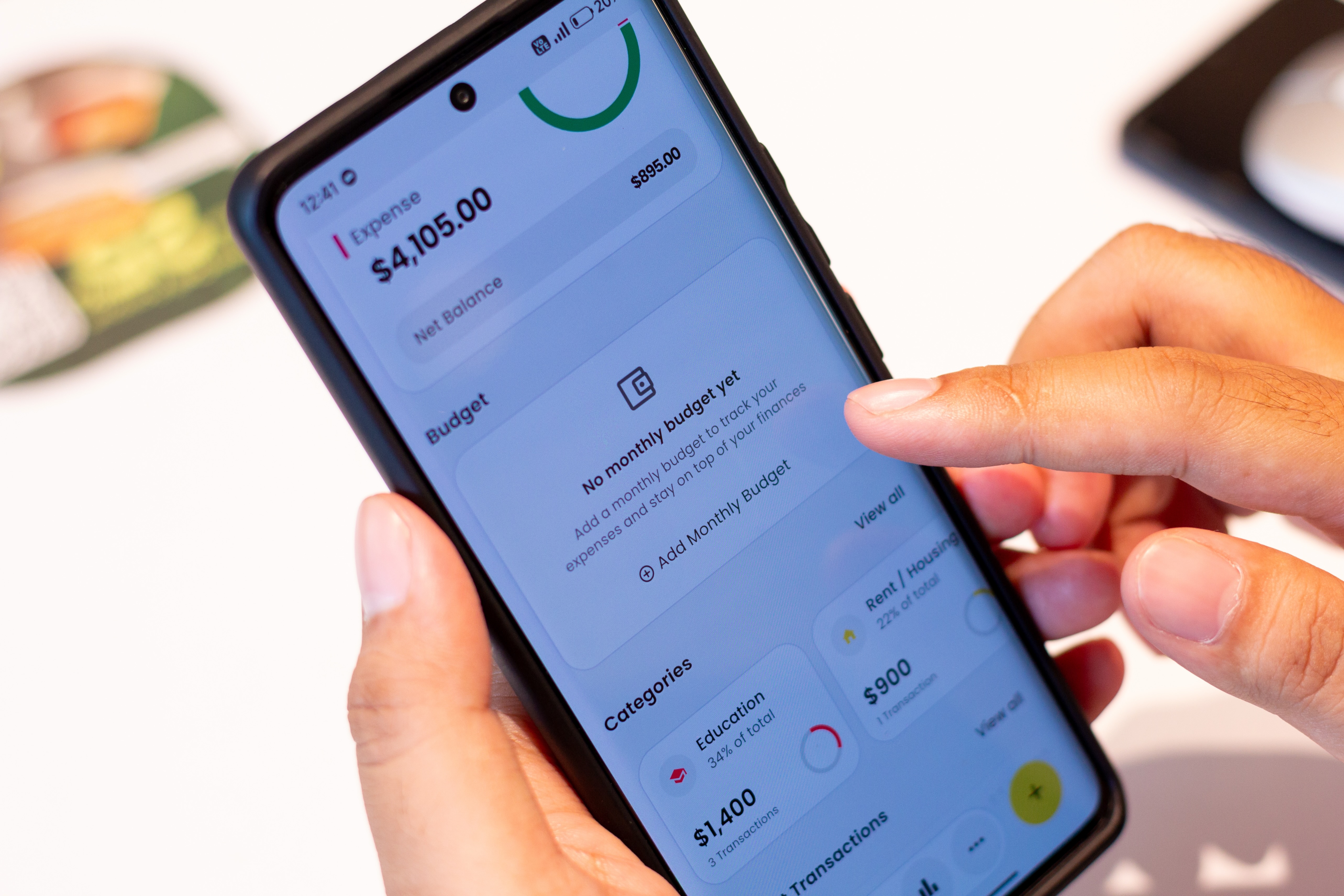
You can open a checking or savings account online in about an hour, without ever going into a branch. What decides it isn't your credit score. Banks run a separate check on your past banking history, which is why someone with thin or damaged credit can usually open an account and someone with good credit occasionally can't.
Step 1: Choose the type of account you need
First, decide whether you want a checking account, a savings account, or both.
If you’ll be using the bank or credit union as your primary financial institution, opening both types of accounts is probably the best move. If you want an account for everyday spending and direct deposits, a checking account is the one you want. Alternatively, a savings account can help you set aside money and keep it out of sight if you’re saving toward a particular goal.
Many financial institutions also offer money market accounts, CDs, and specialized accounts.
Step 2: Compare banks and online options
Compare several financial institutions and accounts to find one that best fits your budget and financial goals. Online-only banks tend to compete with traditional institutions by offering digital tools, competitive rates, and lower fees.
| Feature | What to check |
|---|---|
| Monthly fees | Can you avoid the fee with a minimum balance or by setting up direct deposit? |
| Minimum deposit | How much money do you need to start? |
| ATM access | Where can you withdraw cash without paying a fee? |
| Overdraft options | What happens if you exceed your available balance? |
| Interest rate | Does the account pay interest? If so, how much? |
| Mobile banking | Can you deposit checks, transfer money, and manage your account through an app? |
| Customer support | Can you get help online, by phone, or through another channel? |
Check that the bank is FDIC insured, or NCUA insured if it's a credit union. Either one means your deposits are federally protected up to $250,000 per depositor, per institution. If the bank fails, you get your money back.
Most digital and online-only banks are legitimate, and this takes a minute to confirm. Look for the insurance notice on the bank's site, then verify it yourself through the FDIC's BankFind tool or the NCUA's credit union locator. Some online banks partner with an insured bank, so the name on the app isn't always the name on the insurance.
Step 3: Gather your documents
Banks, credit unions, and savings associations are legally required under the USA Patriot Act to verify your identity before opening an account.
You’ll provide your name, date of birth, address, and Social Security number or individual taxpayer identification number (ITIN), plus a photo of your government-issued photo ID. If you don't have a standard photo ID, a bank can use other reasonable methods, though not all will. Check the bank's application instructions before uploading anything.
Step 4: Fill out the application
Once you’ve chosen an institution and gathered the necessary information, complete the online application. Enter your information carefully, as even small typos can hold up your application. Read the account agreement before submitting, and pay close attention to any monthly fees.
Step 5: Fund your account
Many banks and credit unions ask for an initial deposit, often $25 to $100. Plenty of online and digital-first banks require nothing at all. You can open the account and fund it whenever you're ready.
You can fund your account by making an electronic transfer from another bank, a debit card, direct deposit, or another method that the institution allows. You might need to wait a few business days before you can access that first deposit, so don't fund the account with money you need this week.
Step 6: Set up online banking features
Once the bank approves your account, activate the tools you plan to use. Create a strong password and enable multifactor authentication so someone who gets your password still can’t sign in. Enable account alerts to be notified when your balance is getting low or there’s a suspicious purchase.
Run the numbers >> See how much a small monthly deposit adds up to over 5, 10, or 20 years with Kikoff's savings calculator.
What you need to open a bank account online
Most online applications ask for:
- Government-issued photo ID — driver's license, state ID, or passport, usually as a photo or scan
- Social Security number or ITIN — the number itself, not the physical card
- Legal name, as it appears on your ID
- Date of birth
- Home address — a physical address is generally required, so a P.O. box alone usually won't work
- Email address and phone number — since verification codes go to one or both
- Funding details, if you're making an opening deposit — the routing and account number from another bank, or a debit card
Some banks ask for more, and requirements vary. If you're missing something on this list, it's worth calling before you assume you can't open an account.
Read more >> The 6 Types of Bank Accounts to Understand
Can you open a bank account online with bad credit?
Yes. When you apply for a bank account, the institution is likely to look you up on ChexSystems, a reporting tool that banks and credit unions rely on. If you’ve previously closed an account with a negative balance, or had one closed for you, that can show up. And it can be the reason an application is denied.
But it isn’t permanent: Most records age off your credit report in five years. You can request your ChexSystems report for free once a year to see what’s there.
Two records, two reputations
Credit bureaus track borrowed money: loans, cards, and payment history. ChexSystems tracks bank accounts: bounced checks, unpaid overdrafts, accounts closed in the red. Banks check the second when you apply for checking, which is why good credit won't help if you left an account overdrawn. It's also why no credit history at all won't hurt you if your banking record is clean.
How long does it take to open a bank account online?
With your documents and funding details ready, most online applications take 10 to 15 minutes.
Many banks approve instantly, but some need time to verify your identity, anywhere from a few hours to a few business days. If that happens, you'll usually get an email when the account is ready, and you can finish funding it then.
Read more >> Do You Need a Credit Score to Open a Bank Account?
How to choose the right online bank account
Don’t choose an account based on which application is the easiest and shortest. Instead, weigh factors that include:
- Fees. Monthly maintenance, overdraft, out-of-network ATM, and other fees all add up. Check whether the monthly fee can be waived and how.
- ATM access. Make sure the free network is large enough for where you actually are. Some banks also reimburse out-of-network fees, up to a monthly cap.
- Overdraft policies. Know whether the bank charges a fee, declines the transaction, or offers a small buffer first.
- Deposit requirements. Check any opening deposit, and any minimum balance you'd need to keep. The minimum might be there to waive a fee or unlock higher advertised rates.
- Interest rates. Online banks often pay more on savings than brick-and-mortar branches. Rates are variable, which means today's number can change.
- Customer support. If you prefer chatting to a human, know whether that’s available by phone or at a local branch. Online-only banks typically don’t support a branch network.
Multifactor authentication is standard at most banks and credit unions. If yours doesn’t require it, look elsewhere.
Bottom line
Most people can open an account online on the first try, and a past banking record doesn't close the door permanently.
The account won't show up on your credit report, though. Banking history and credit history are separate records, and nothing you do in a checking account crosses over into the second one.
Kikoff’s Credit Account reports on-time payments on a small credit line to Equifax, Experian, and TransUnion. Plans start at $5 a month, with no credit check to sign up.
Frequently Asked Questions
Article Sources
Disclaimer: The information provided in this blog post is meant for informational purposes only and does not constitute financial advice.