

.jpg)



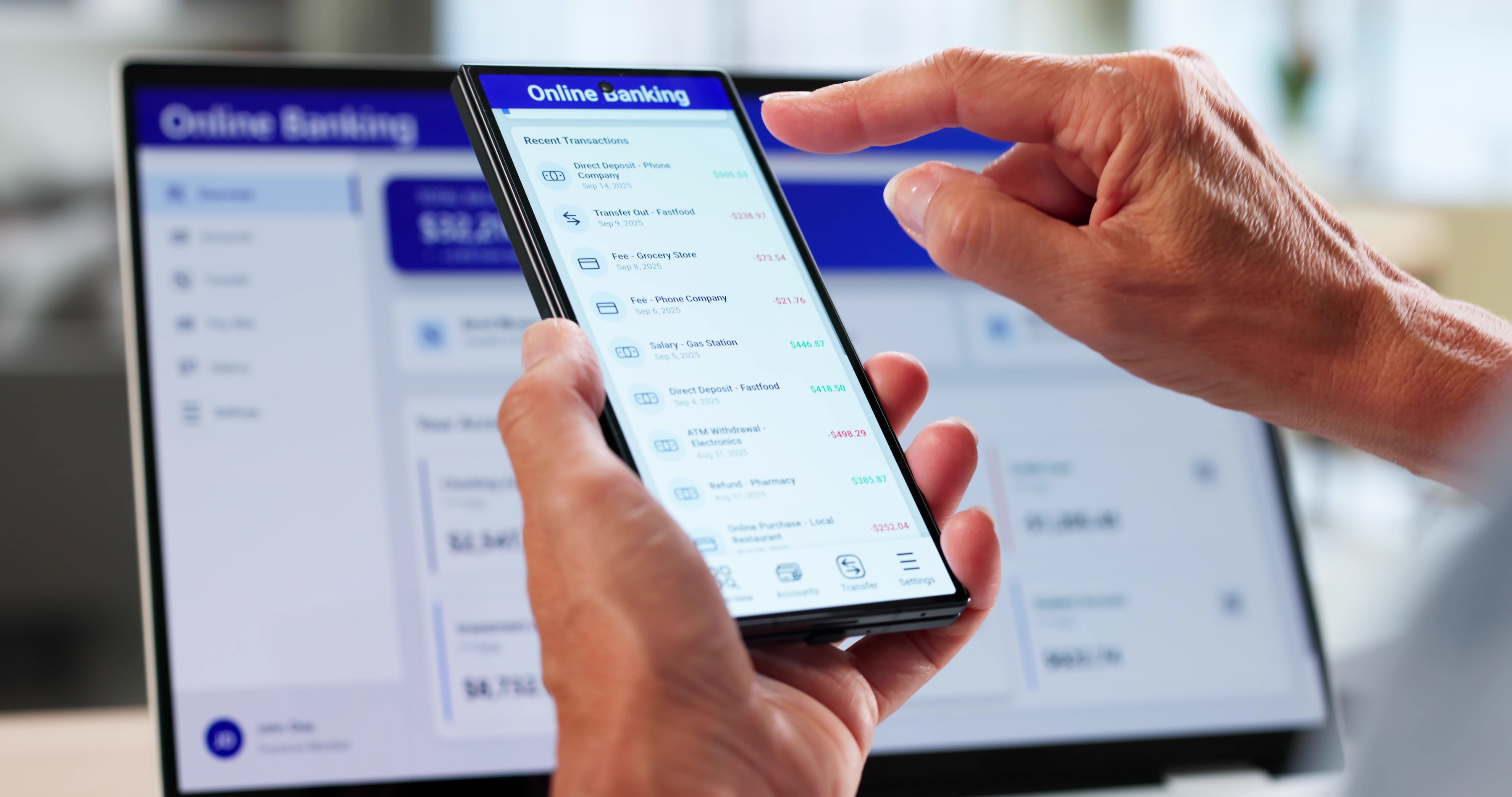
An online savings account is as safe as one at a bank with branches, as long as the bank is federally insured. Deposit insurance protects up to $250,000 if the bank fails, whether or not it has branches. The real risks are elsewhere: someone getting into your account, a fake bank, or an app that isn’t actually a bank.
When are online savings accounts safe?
Accessing your account online doesn’t make your deposits less secure. Online banks use the same protections as traditional banks, including:
- Encryption
- Fraud monitoring
- Login alerts
- Multifactor authentication
Deposit insurance protects your money if the bank itself fails.
Your login details are what you control. A strong, unique password; multifactor authentication; and signing in only on networks you trust make it much harder for someone else to get in.
How online savings accounts are protected
Deposit insurance
The Federal Deposit Insurance Corporation (FDIC) insures deposits at banks. The National Credit Union Administration (NCUA) insures deposits at federally insured credit unions.
The FDIC covers $250,000 per depositor, per bank, for each account ownership category. That means all your accounts in your name alone at one bank share one $250,000 limit, including checking, savings, money market accounts, and CDs. A joint account is a separate category with its own coverage.
Deposit insurance covers deposits only. It doesn’t cover stocks, bonds, mutual funds, annuities, or crypto, even when you buy them through an insured bank.
Encryption and security measures
Banks encrypt your information as it moves between your device and their systems. They also watch for unusual activity and may alert you to a suspicious login or transaction. Keep the bank’s app updated so you get its latest security fixes.
Multifactor authentication
If your bank offers multifactor authentication, turn it on. A code sent to your phone or an authenticator app makes a break-in harder, even if someone has your password. Use a password you don’t use anywhere else, so a data breach at another site can’t unlock your bank account.
Read more >> NCUA vs. FDIC: What’s the Difference?
Risks of online savings accounts
- Phishing. Scammers send emails and texts that look like they’re from your bank to get your login. Don’t sign in through a link in a message. Open the bank’s app or type its web address yourself.
- Account takeover. If someone gets your login, they can move your money. Report any transfer you don’t recognize to your bank right away. Federal rules limit what you owe for unauthorized transfers, but the protection shrinks if you wait. Report within 60 days of the statement that shows the transfer.
- Fake banks. Scammers build websites and ads that copy real banks, sometimes using a real bank’s name. Check the institution yourself with the FDIC or NCUA before you deposit.
- Apps that aren’t banks. Some savings accounts are opened through a financial app that holds your money at a partner bank. FDIC insurance covers the partner bank if it fails. It doesn’t cover the app company if that company fails, and getting your money back can take time.
Online-only banks also have no branch to visit. If you’d rather solve problems face to face, check how the bank handles support, whether by phone, by chat, or by email, before you open an account.
Read more >> How to Protect Your Online Banking Information
How to tell if an online savings account is legitimate
Don’t rely on the bank’s website or an ad. For banks, search the FDIC’s BankFind Suite. For credit unions, use the NCUA’s Credit Union Locator. If you’re signing up through an app, find the partner bank’s name in the app’s terms or disclosures and look up that bank.
BankFind lists each bank’s official website. Make sure the site you’re on matches it, even for a bank you’ve heard of.
How to find the bank behind an app
Most fintech apps aren’t banks, and the name on the app usually isn’t the name to search. Three places to find the partner bank:
• The app’s disclosures, often in fine print on the signup or home screen. Look for “Banking services provided by [Bank], Member FDIC.”
• Your account agreement, which names the institution holding your deposits.
• The confirmation email when you open the account, which frequently names the bank even when the app doesn’t display it prominently.
If no bank is named anywhere, treat that as the answer. And note that “FDIC insured” in marketing copy isn’t the same as a named, verifiable institution. The Synapse collapse left thousands of depositors unable to reach money they believed was covered.
On safety: Online savings vs. traditional accounts
Online and traditional savings accounts are equally safe at an insured bank or credit union. The difference is how you reach your money: an app, a website, and a phone line instead of a branch.
With safety a wash, the deciding factors are the rate, fees, minimum balance, and customer service. The rate is where online banks often stand out.
Read more >> Are High-Yield Savings Accounts Safe?
Bottom line
An online savings account at an insured bank or credit union is as safe as one with a branch down the street. The steps that matter are checking the institution yourself and locking down your login.
Your savings balance doesn’t follow you to a loan application, though. Credit reports don’t include it, so a lender pricing a car loan or apartment application sees how you’ve paid, not what you’ve saved. A Kikoff Credit Account adds on-time payments to your Equifax, Experian, and TransUnion reports, with no credit check to sign up. Plans start at $5 a month.
Frequently Asked Questions
Article Sources
Disclaimer: The information provided in this blog post is meant for informational purposes only and does not constitute financial advice.