


.jpg)



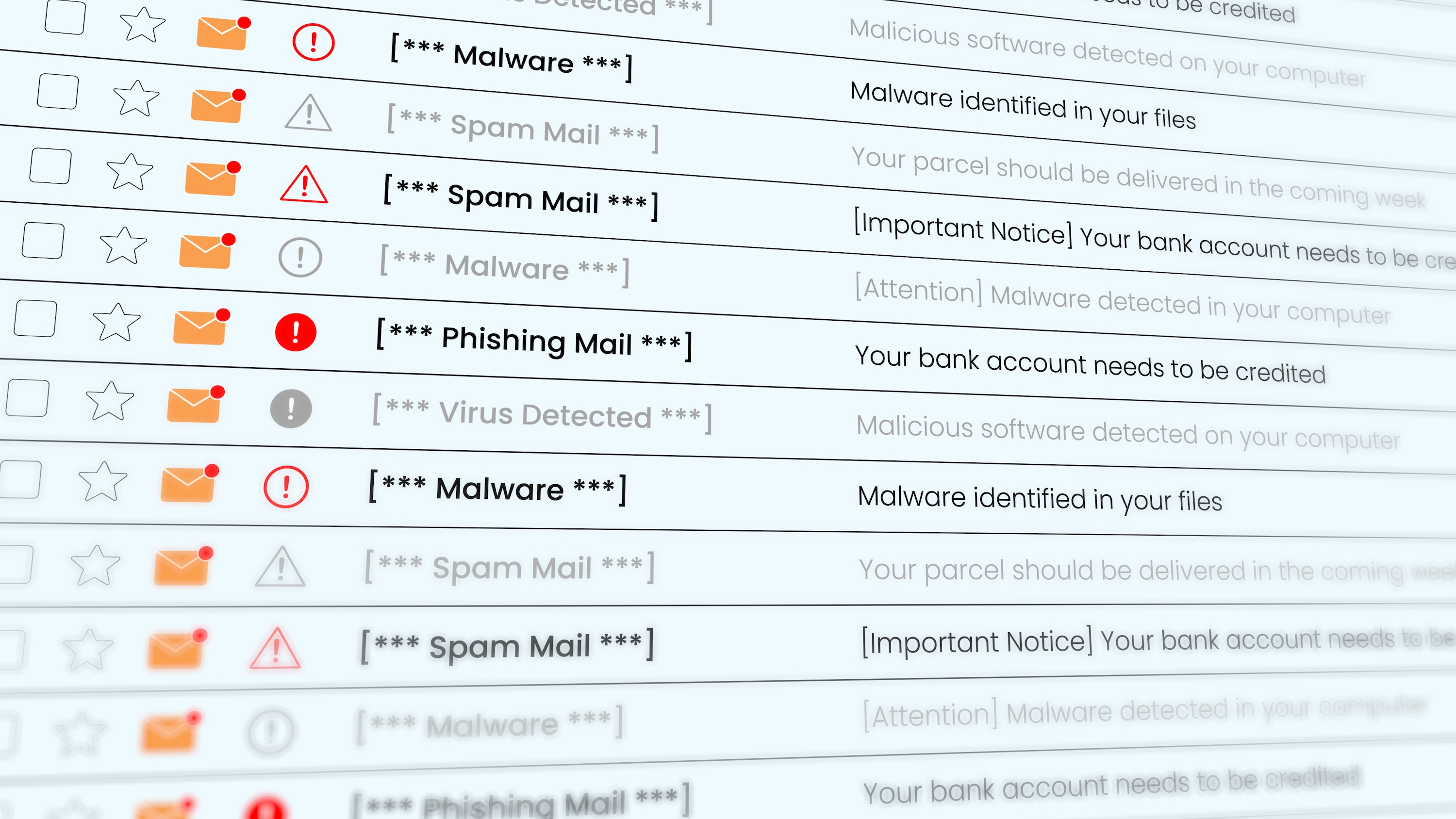
You get a message that looks like it’s from a legitimate source. It says there’s a problem with your account and you need to act now. That jolt of worry is exactly what the sender is counting on.
That’s phishing: a scam built to get your passwords, card numbers, or Social Security number before you stop to check.
What is phishing?
Phishing is a scam where someone pretends to be someone you trust, like your bank, a store, a coworker, or a government agency. The goal is to trick you into handing over sensitive information, such as your password, Social Security number, credit card details, or bank account number. Sometimes, they just want you to click a link that installs malware on your device.
Phishing is based on the word fishing. Scammers cast out a lot of bait and wait to see who bites. Plenty of people do. Phishing and spoofing were the most reported types of internet crime in 2025, with about 192,000 complaints and roughly $216 million in reported losses, according to the FBI’s Internet Crime Complaint Center.
Common types of phishing attacks
Email phishing
Phishing via email is the tactic that most people think of when they hear the word. It’s a classic attempt where the fraudster sends a suspicious email. The fraudster makes the email look like it's from a bank, a store, an agency, or some other source you will likely trust.
But something’s off: It urges you to act now, open a link, or send information. If you click on the link, you’ll be taken to a fake website that is built to look real. Anything you type in will be stolen.
Smishing
Smishing is phishing by text. The playbook is the same: urgency, a link, and a request for sensitive info. Because texts feel personal, the pressure to respond fast can be stronger.
Vishing
Voice phishing, or vishing, is phishing by phone. The caller pretends to be a representative from your bank, tech support, or a government agency employee. They want to get you to share information or send money.
Scammers can fake the number that shows up on your caller ID. The caller ID could display the name of a familiar company or a number with a local area code. These tactics are meant to put you at ease and make the number appear more legitimate.
If a call worries you, hang up and call the company back using a number from its official site or your card.
Spear phishing
Spear phishing is a more targeted approach where the fraudster takes aim at a higher-value target, such as a manager at a company or an employee at a business they want to exploit. The scammer does some research and sends a tailored message, which can make it appear even more legitimate.
It doesn’t only happen at work. A scammer who knows your name, your bank, or a recent purchase can tailor a message to you too.
Read more >> What Is Smishing? Tips to Protect Yourself
How to recognize a phishing attempt
This email is made up, and it’s deliberately clumsy. But it shows several red flags at once, which real ones rarely do.
Watch where they appear: the sender address, the subject you weren’t expecting, the deadline, the request for details no company asks for by email, and the gap between what a link says and where it goes.
In the wild, they come one or two at a time, and nothing will be circled in red. One flag is enough to pause.
What to do if you’ve been phished
Stop replying, then act on what you shared:
- A password — change it on that account and anywhere else you use it, then turn on two-factor authentication.
- Card or bank details — call your bank using the number on the back of your card.
- Your Social Security number — freeze your credit with Equifax, Experian, and TransUnion. It’s free and blocks new accounts. Or place a fraud alert with one bureau, and that bureau notifies the other two.
- You clicked a link or opened an attachment — run a security scan. Malware can capture the new passwords you set.
Read more >> How to Report Identity Theft
How to protect yourself from phishing
- Avoid clicking on links you don’t recognize.
- Contact the company using a number or website you look up yourself, not one from the message.
- Slow down and avoid the urgency trap.
- Use a different password for every account, using a password manager if it helps.
- Turn on two-factor authentication.
Forward it to the APWG, then delete it. Send phishing emails to reportphishing@apwg.org, the Anti-Phishing Working Group’s reporting address. They share what they collect with browsers and security vendors, so a reported site gets blocked faster for everyone.
Then delete the message. Don’t click anything first — not the unsubscribe link, not an image. Both can confirm your address is live.
Read more >> How to Handle Fraudulent Charges on Your Account
Bottom line
Phishing depends on you acting before you check, so the pause is your best defense. Don’t click, don’t reply, and go to the company directly. If you did share something, the hard part is knowing whether it’s being used. A freeze blocks new accounts, but it won’t tell you when something changes on your report. Every Kikoff plan includes credit monitoring, so a change you don’t recognize is easier to catch early. Plans start at $5 a month.
Frequently Asked Questions
Article Sources
Disclaimer: The information provided in this blog post is meant for informational purposes only and does not constitute financial advice.